
Ticket Archive
A Ticket Recording Template for Concerts, Sports, Movies, and Travel
Use one flexible ticket log template across concerts, games, exhibitions, movies, theater, festivals, and travel memories.
The short answer
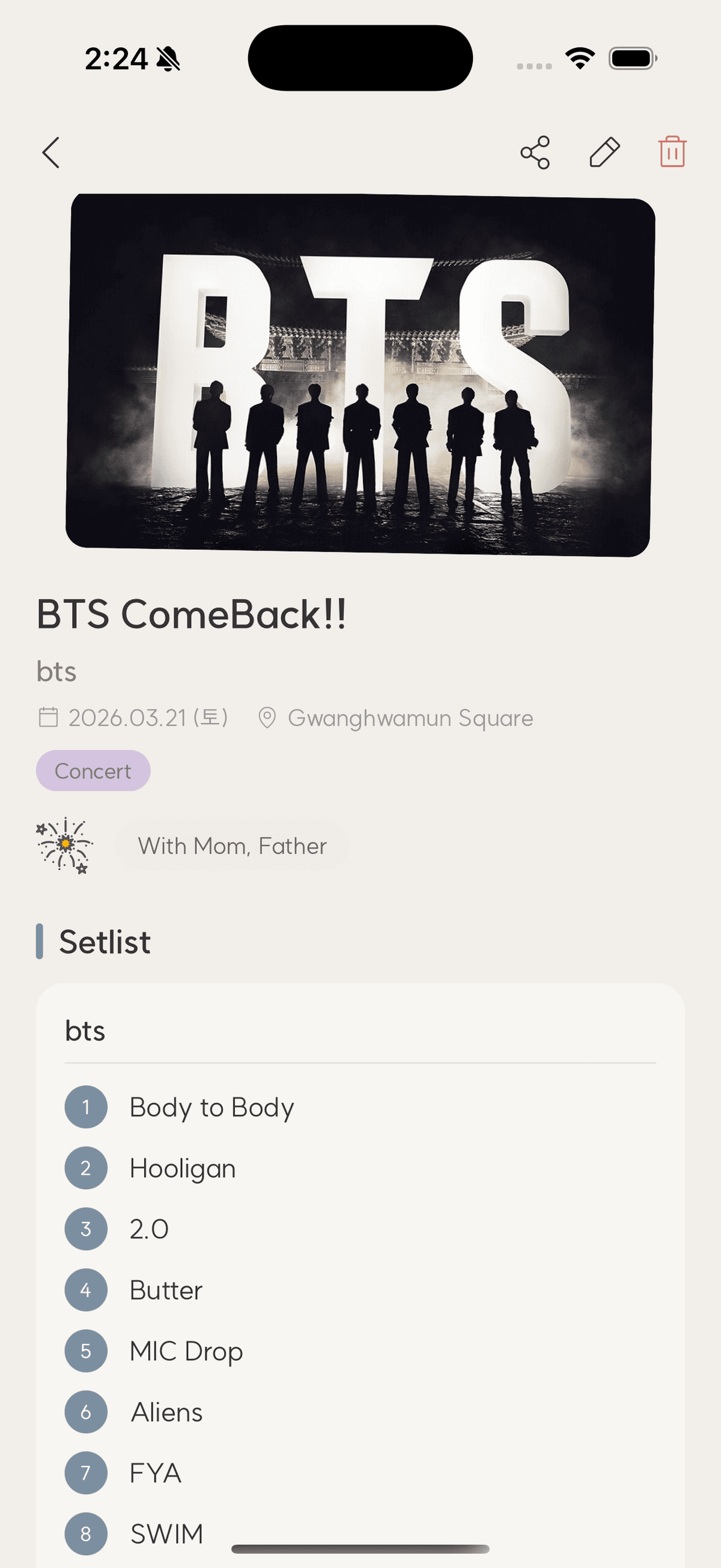
Use a universal core—title, category, date, place, ticket image, companions, and reflection—then add category-specific details such as a concert setlist, sports score, movie rating, exhibition highlight, or travel route.
A good template prevents blank-page anxiety while leaving room for different kinds of events. The trick is separating fields that every memory needs from details that matter only to one category.
The universal core
Every entry should answer what, when, where, who, and why it mattered. These fields support chronology, maps, people views, and future searches. Keep optional fields optional so recording a simple movie does not feel like filing a report.
- Title and category
- Date and venue
- Ticket or representative image
- Companions
- Rating, feeling, or one-line reflection
Add category-specific memory triggers
For concerts, save the artist, tour, setlist, and favorite song. For sports, record teams, score, seat, and standout player. For movies, add the theater, format, rating, and favorite scene. Exhibitions benefit from artist and favorite work; travel benefits from route and destination.
Use prompts that produce specific notes
Replace ‘How was it?’ with prompts that narrow attention: What surprised you? What would you tell the person who sat beside you? Which moment would you replay? Specific questions create vivid answers even when the response is short.
Review and simplify
After ten entries, notice which fields you never use and which missing detail you keep wishing you had. Remove friction before adding more categories. The right template evolves from real reviewing, not from predicting every future event.
Checklist
Universal ticket template
- What happened?
- When and where?
- Who shared it with you?
- Which image anchors the memory?
- What one detail should not be forgotten?
Using a ticket template
Should every field be required?
No. Require only enough to identify the event; optional memory prompts should make the record richer without blocking it.
Can the same template cover travel?
Yes. Use the universal core and add route, transportation, accommodation, or destination details when useful.
What if I cannot remember a detail?
Leave it blank or mark it uncertain. A truthful incomplete record is more useful than a polished guess.
TicketShelf Editorial Team
Created by the team building TicketShelf, based on the real workflows people use to preserve tickets, photos, places, and the stories around them.
Updated August 2, 2026