App Guides
Getting Started With TicketShelf: Your First Five Memory Records
Set up TicketShelf with one recent ticket, one concert, one older memory, one goods item, and one entry worth sharing.
The short answer
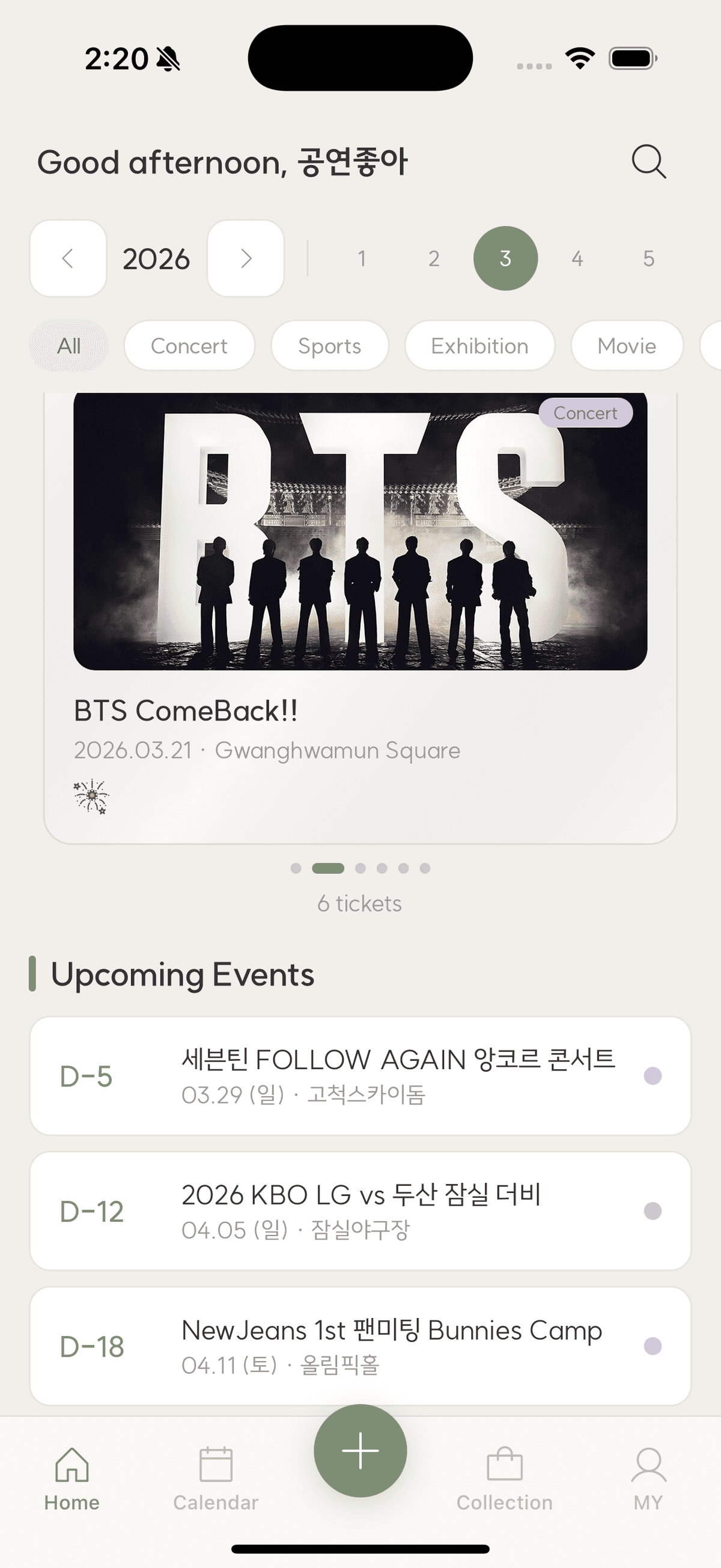
Start TicketShelf with five purposeful records: your latest ticket to learn the flow, a concert with setlist, an older memory recovered from photos, a goods item connected to an event, and a favorite entry turned into a share card. This tests capture, search, collections, and review without a huge import.
A blank archive can make setup feel larger than it is. Five varied entries are enough to understand which fields matter to you and to see TicketShelf as a memory shelf rather than another empty tracker.
Record the latest ticket first
Choose an event whose details are still available. Scan or add the ticket, verify title, date, venue, seat, and category, then write one sentence. This creates a trustworthy template for later entries.
Add one rich category example
Use a concert for setlist and artist fields, a sports game for teams and score, or a movie for film information. Attach a few selected photos and a companion to see how details connect.
Recover one older memory
Find an event through photo dates, email receipts, or calendar history. Mark uncertain facts honestly. This tests whether the system helps with the collection you already have, not only future tickets.
Review before importing more
Browse by category, venue, people, or activity, create a share card if desired, and confirm the saved record appears on another signed-in device. Adjust your recording habit before adding dozens of old entries.
Checklist
First five TicketShelf records
- Latest ticket
- One category-rich event
- One recovered old memory
- One goods or photocard item
- One reviewed or shared favorite
Starting TicketShelf
Should I import every old ticket immediately?
No. Learn the flow with recent records, then backfill by year, artist, trip, or meaningful batches.
Can I edit scanned information?
Yes. Treat automatic extraction as a draft and verify important details before saving.
What can TicketShelf record?
It supports concerts, sports, exhibitions, movies, travel, and other tickets, plus photos, people, emotions, goods, and category-specific details.
TicketShelf Editorial Team
Created by the team building TicketShelf, based on the real workflows people use to preserve tickets, photos, places, and the stories around them.
Updated August 2, 2026