App Guides
Ticket OCR Guide: Scan Faster Without Trusting Every Field Blindly
Use ticket scanning to capture event details quickly, then verify dates, venues, seats, names, and sensitive information before saving.
The short answer
Ticket OCR is best used as a draft. Photograph the ticket flat in even light, let the scanner extract visible fields, then verify event title, local date, venue, seat, and category. Crop or mask barcodes and personal information when they are not needed.
Scanning removes repetitive typing, but tickets are difficult documents: decorative fonts, multiple dates, sponsor text, vertical layouts, reflective surfaces, and venue-specific seat formats can confuse even strong recognition systems.
Improve the source image
Place the ticket on a plain contrasting surface, avoid glare and deep shadows, keep all corners visible, and hold the camera parallel. For screens, raise clarity without revealing an active ticket in public.
Verify high-impact fields first
Check title, date, time, venue, and seat before cosmetic details. A wrong year or venue can break chronology and reminders. Distinguish event date from purchase date, sale date, or doors-open time.
Expect category-specific ambiguity
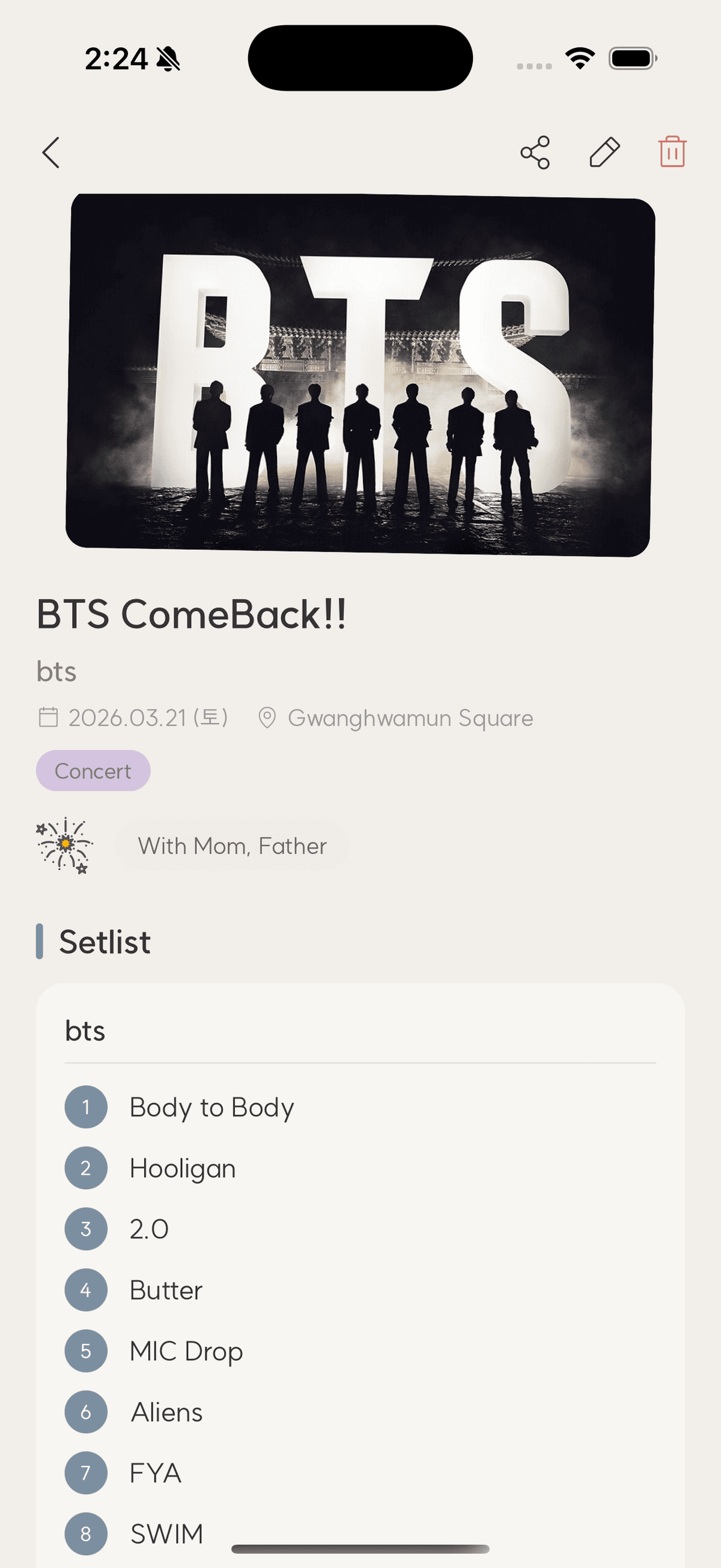
Concert tickets may emphasize tour names, sports tickets list two teams, movies show auditorium and format, and travel documents contain origins and destinations. Use category context to decide which extracted text belongs in each field.
Handle sensitive data intentionally
Avoid retaining active barcodes, full order references, names, or account identifiers unless needed for private records. Never share unredacted active tickets. Review the app's privacy terms before sending documents to any OCR service.
Checklist
Reliable ticket scan
- Use even light and a plain surface
- Keep all corners visible
- Verify date and venue
- Confirm seat and category
- Remove unnecessary sensitive data
Ticket scanning questions
Why did OCR choose the wrong date?
Tickets often contain sale, issue, door, and event dates. Select the date tied to the actual attendance and verify the year and time zone.
Can OCR read a mobile screenshot?
Often yes when text is clear, but crop out unrelated interface elements and protect active codes and personal information.
Should I keep the original image?
Keep a private original when safe and useful, plus a cropped archival copy for browsing or sharing.
TicketShelf Editorial Team
Created by the team building TicketShelf, based on the real workflows people use to preserve tickets, photos, places, and the stories around them.
Updated August 2, 2026