Ticket Archive
How to Build a Digital Ticket Archive That Survives Phone Changes
Turn mobile tickets, screenshots, emails, and paper stubs into an organized archive with reliable backups and useful context.
The short answer
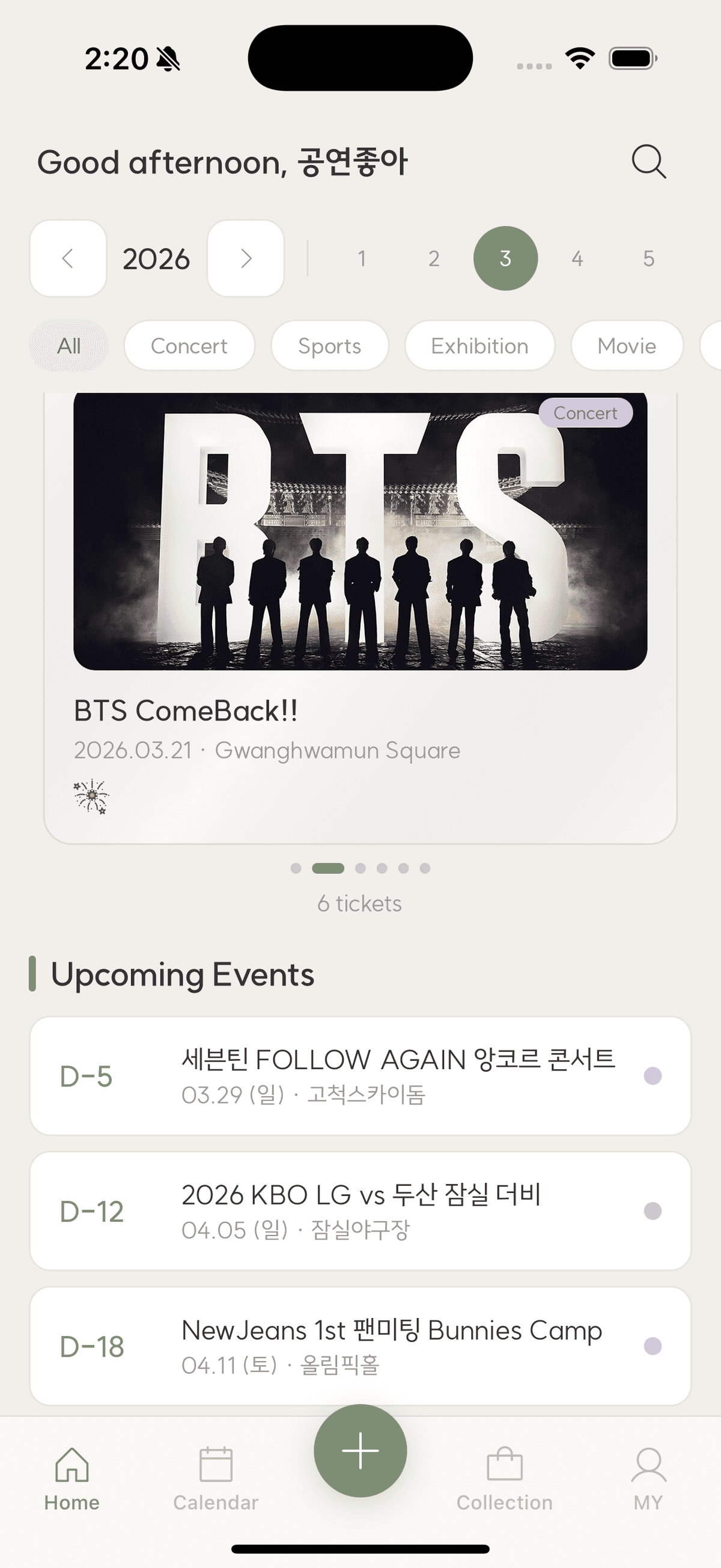
A durable digital ticket archive needs more than screenshots. Save a clean ticket image, structured event details, personal notes, and related photos in one record, then keep at least one export or cloud backup that is independent of your current phone.
Mobile tickets often disappear from wallets after an event, and screenshots become buried among thousands of photos. A real archive makes each event readable outside the original ticket provider and recoverable after a device change.
Capture the ticket before it expires
Save the non-animated information you are permitted to keep: event name, date, venue, seat, order reference, and a visual stub. Avoid publishing active barcodes or personal order details. After the event, crop or mask sensitive data on the archival copy.
Store information as fields, not only pixels
A screenshot cannot answer a search for every show at one venue or every game with one friend. Record the facts as text alongside the image. Structured fields make the archive sortable and keep the record useful if image recognition fails later.
- Event and category
- Local date and time
- Venue and city
- Seat or admission type
- Companions and personal tags
Connect the surrounding memory
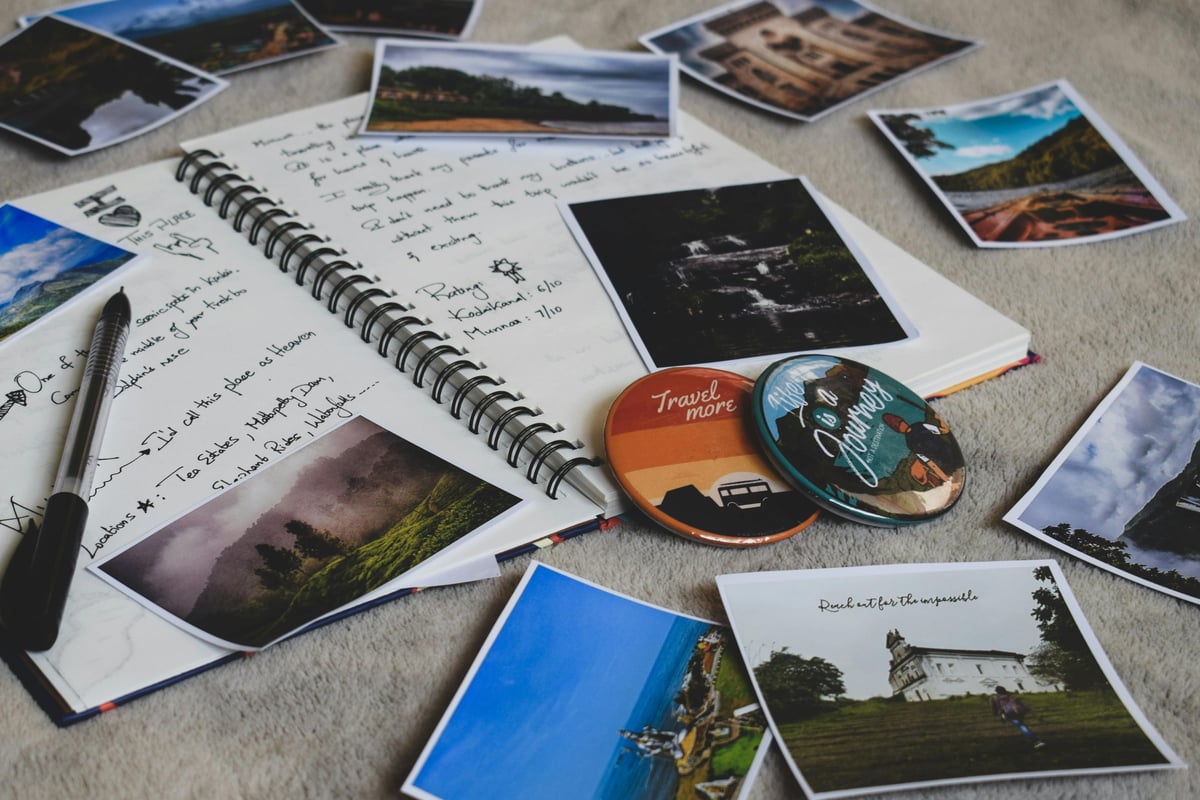
Add a few photos, a setlist, final score, favorite artwork, or travel note. Select only items that help reconstruct the day. The aim is a compact memory capsule, not a second camera roll.
Use a layered backup
Keep the working collection in a service that syncs across devices, then create periodic exports in a common format such as images or PDF. Confirm that you can open the export. A backup is only real after a successful read-back.
Checklist
Durable archive checklist
- Save the ticket before wallet expiry
- Mask active codes and personal data
- Enter searchable event fields
- Attach only meaningful photos
- Export and verify a backup periodically
Digital ticket archive questions
Is a screenshot enough?
It preserves appearance, but not searchability or context. Add text fields and a short memory to make it a useful record.
Is it safe to save a barcode?
Avoid sharing any active barcode or order number. For a personal post-event archive, crop or mask sensitive areas and follow the ticket provider's terms.
How often should I export?
Export after major trips or seasons and at least once a year. Verify the files on a second device or storage location.
TicketShelf Editorial Team
Created by the team building TicketShelf, based on the real workflows people use to preserve tickets, photos, places, and the stories around them.
Updated August 2, 2026