
App Guides
How to Back Up a Ticket Collection Before You Need the Backup
Protect ticket images, event details, photos, and notes with verified exports, independent storage, and a simple recovery routine.
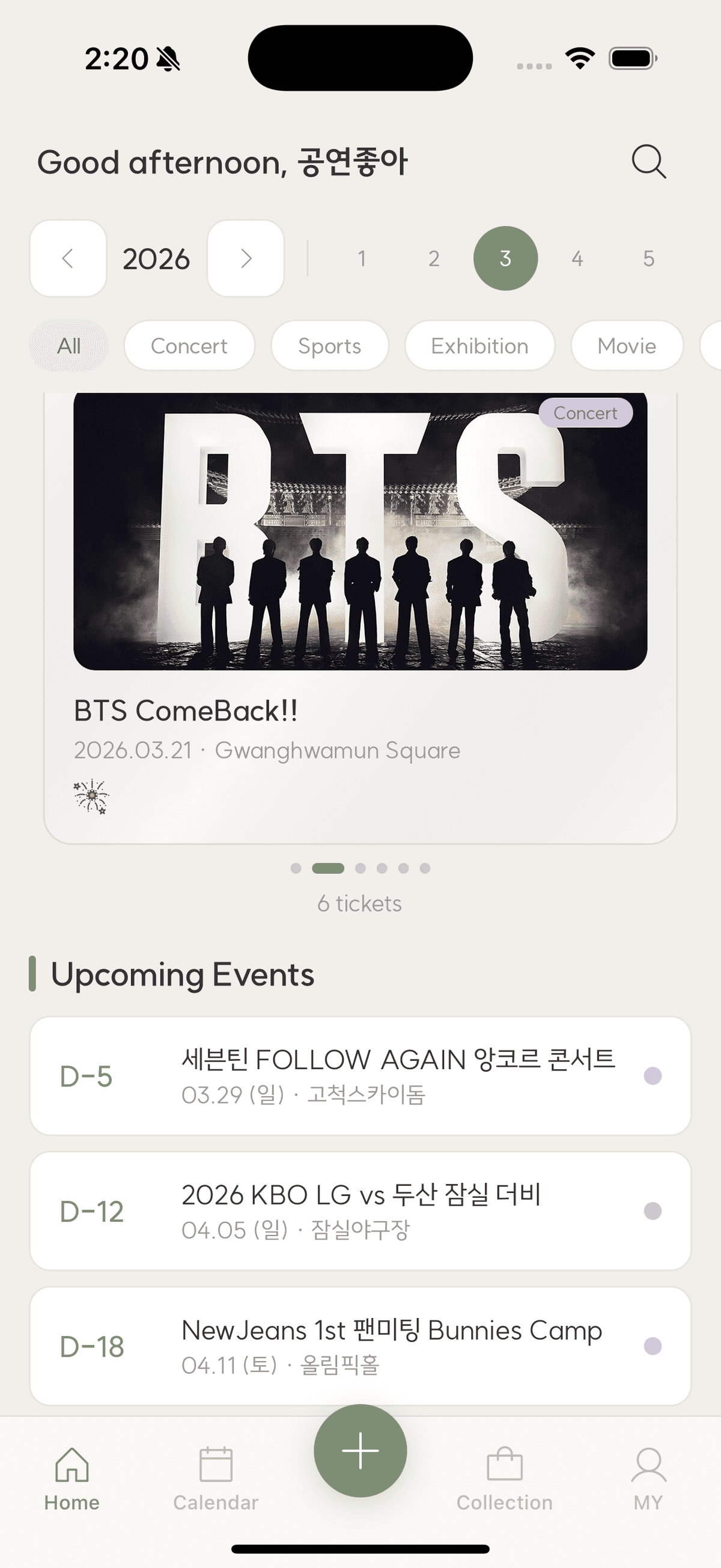
The short answer
Keep your live collection synced, export it periodically in common formats, store one copy outside the app account, and test opening a sample. Include both structured details and original-quality images so recovery does not depend on one service or phone.
Sync is convenient, but it can copy deletions or account problems across devices. A backup is an independent, readable copy with a known date and a tested path back to your memories.
Know what must survive
List ticket images, event fields, notes, photos, goods records, and links. Decide which originals live elsewhere. A screenshot of the home screen is not a backup because it cannot restore individual details.
Use common export formats
PDF and images preserve readable pages; CSV or JSON can preserve structured data when available. Keep the export instructions with the files. Proprietary formats are acceptable only when a documented import path exists.
Keep an independent copy
Store one copy in a separate cloud provider, computer, or encrypted external drive. Protect accounts with strong unique passwords and multi-factor authentication. Avoid leaving sensitive ticket data on unencrypted shared devices.
Test restore, not just export
Open several files, confirm image resolution and text, and verify dates and non-Latin characters. Record the backup date. An unreadable archive discovered during a phone loss is not a backup.
Checklist
Ticket backup routine
- Identify all data types
- Create a dated export
- Store an independent copy
- Open sample files
- Repeat after major seasons or yearly
Backing up ticket memories
Is cloud sync enough?
It protects against device loss but not every deletion, account, or service failure. Keep a separate periodic export.
How often should I back up?
After a large import, trip, or season and at least annually. More frequent backups suit active collections.
Should backups include barcodes?
Keep only what is necessary and secure. Post-event archival copies can crop or mask codes and personal identifiers.
TicketShelf Editorial Team
Created by the team building TicketShelf, based on the real workflows people use to preserve tickets, photos, places, and the stories around them.
Updated August 2, 2026