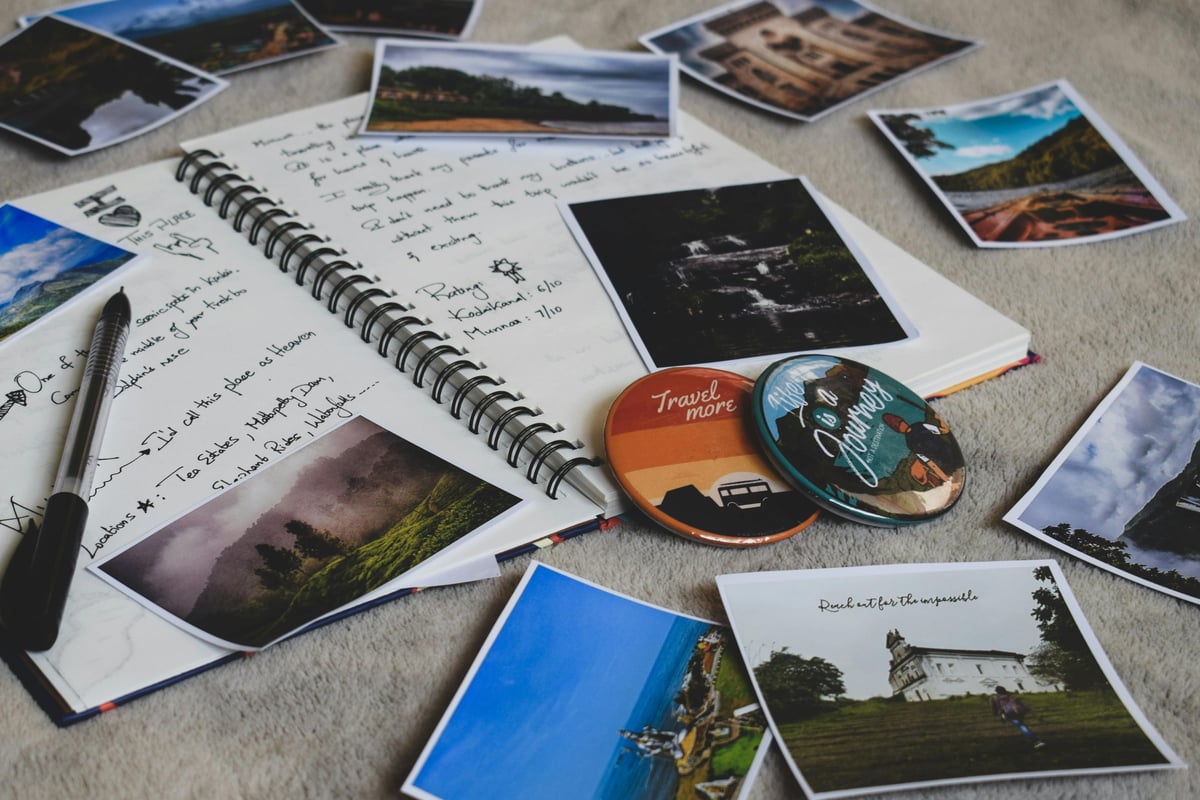
Fandom & Collections
How to Organize Concert Photos Without Keeping 200 Near-Duplicates
Select, name, connect, and back up concert photos so they support the memory instead of disappearing into the camera roll.
The short answer
Sort concert photos in three passes: delete accidental and unusable images, choose one strong image from each repeated burst, then select a small story set covering arrival, venue, performance, people, and after-show. Link that set to the ticket record and back it up.
Concert camera rolls grow because taking several versions feels safer in the moment. Later, those versions make every review session harder. Selection is not deleting the experience; it is revealing the sequence worth remembering.
Make the first pass objective
Remove black frames, accidental screenshots, severe blur, and exact duplicates. Do not decide between emotional favorites yet. A quick technical pass reduces the pile without demanding difficult choices.
Choose by moment, not file
Group bursts that show the same song, pose, or stage cue. Keep the version with the clearest subject or most meaningful atmosphere. If two images tell different parts of the story, both can stay; if they compete for the same role, choose one.
Build a five-part story
A compact event set might include arrival or ticket, venue context, favorite stage moment, companion, and after-show detail. This mix restores the whole day better than a folder containing only zoomed stage photos.
Connect and back up
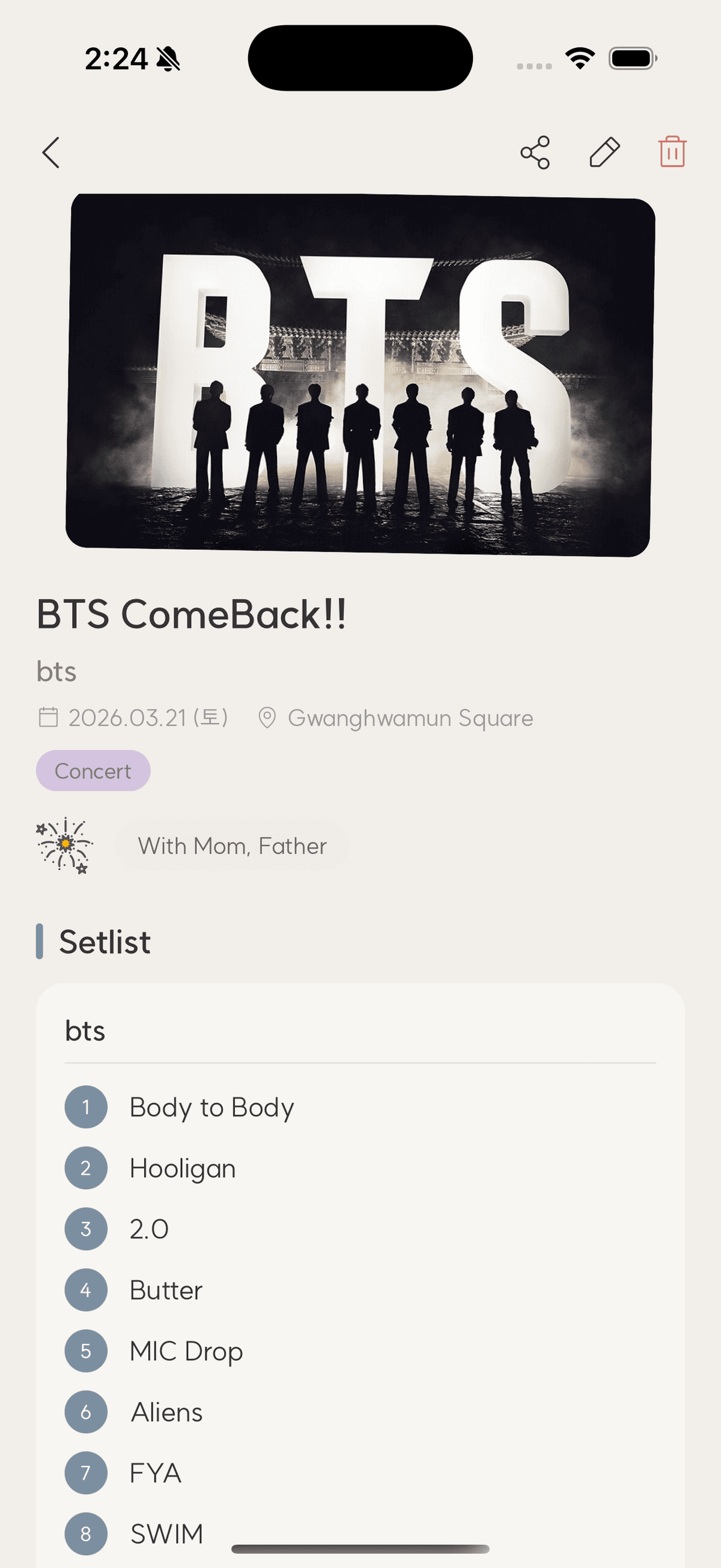
Attach the selected set to the concert entry, then keep originals in a dated album or folder. Use cloud sync plus a periodic export. Confirm the selected images retain their date and are not trapped inside one app.
Checklist
Concert photo edit
- Delete unusable frames
- Collapse repeated bursts
- Choose arrival and venue context
- Keep one favorite performance
- Back up the final story set
Concert photo organization
How many photos should I attach to one event?
Choose enough to tell distinct parts of the story. Five to twelve selected images often feel richer than a hundred repetitions.
Should I edit all photos?
Edit only favorites. Basic crop and exposure adjustments are usually enough; preserve an original copy for important images.
What about video?
Keep short clips that capture a distinct moment and are permitted by venue rules. Add a note identifying the song or context.
TicketShelf Editorial Team
Created by the team building TicketShelf, based on the real workflows people use to preserve tickets, photos, places, and the stories around them.
Updated August 2, 2026